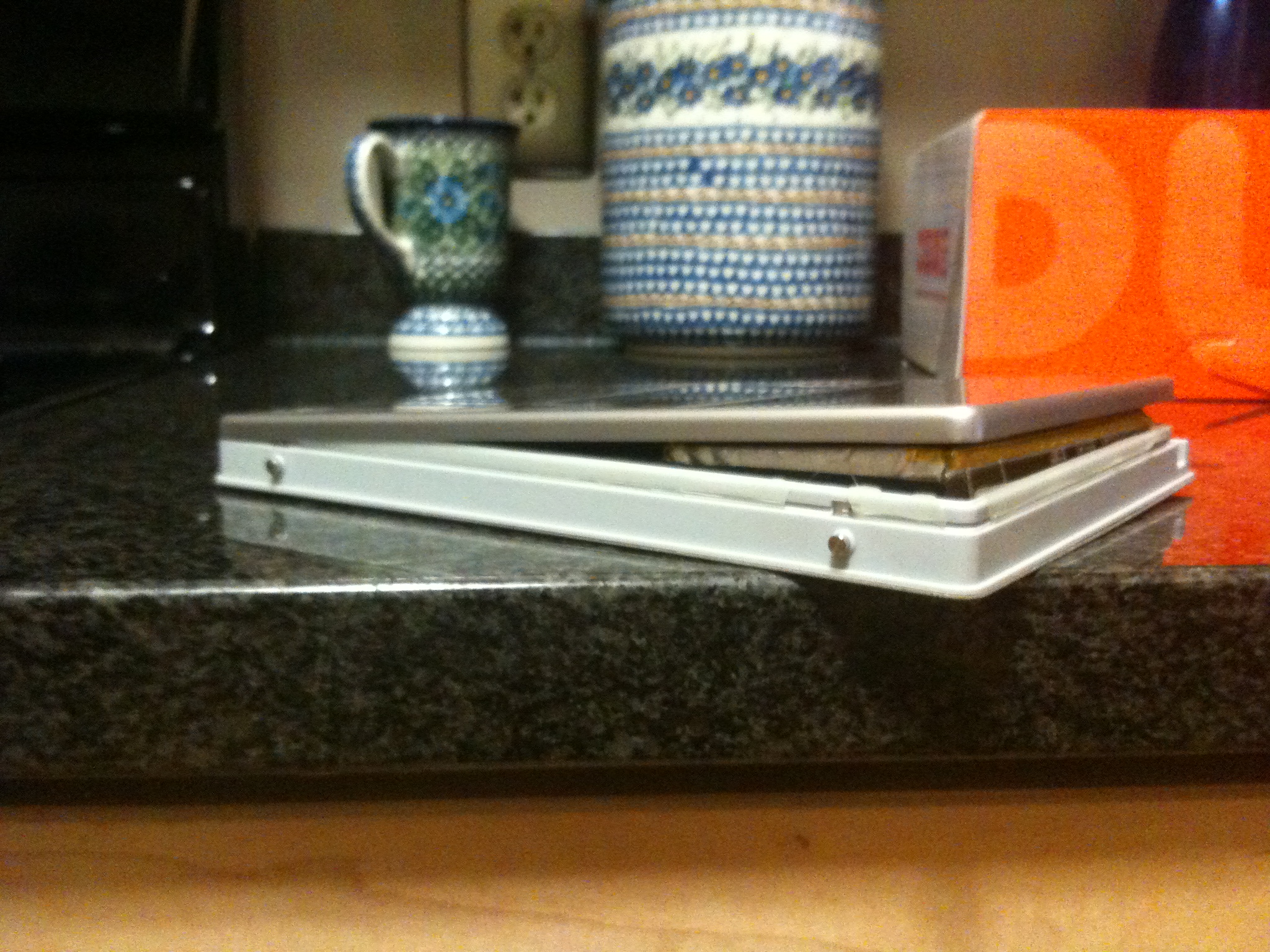
Apple Tablet Coming Soon?

Rumors that Apple was going to release a Tablet computer have been running abound for years. However, it appears that the Apple Tablet is going to become reality next week, Jan. 27th, 2010. People in the know think it will resemble an iPhone, albeit a lot larger. It won’t run a typical operating system like other PC tablets out there. So, what do I think of this? To be honest, I’m not all that excited.

I have an iPhone and I love it. I don’t know how I lived without it. Combined with my MacBook Pro, they’re the two most useful tech tools I have in my arsenal (other than my brain I guess). But I just don’t see how I’d use an Apple Tablet computer. It just doesn’t seem all that useful of a tool to me. Maybe I just don’t know enough about it. What would I need a “larger iPhone” for?

I’m actually a little afraid that this could be another “Mac Cube” miss-step for the folks over at Apple.

Properties In a Active Directory Computer Object

I’m working on a project and I was curious about what properties Active Directory would return when search for computers with the DirectorySearcher class in C#. Basically, you can search an entire domain for known computers using something like:

string domainName = "mydomain";
DirectoryEntry de = new DirectoryEntry();
de.Path = String.Format("LDAP://{0}", domainName);
de.Username = "username";
de.Password = "password";

try
{
     DirectorySearcher ds = new DirectorySearcher();
     ds.Filter = "(&ObjectCategory=computer)";
     SearchResultCollection results = ds.FindAll();

     foreach (SearchResult sr in results)
     {
             ResultPropertyCollection myResultPropColl;
             myResultPropColl = sr.Properties;
             foreach (string myKey in myResultPropColl.PropertyNames)
             {
                 string propString = String.Empty;
                 string tab = "    ";
                 Console.WriteLine("{0} = ", myKey);
                 foreach (Object myCollection in myResultPropColl[myKey])
                 {
                     Console.WriteLine("{0}{1}", tab, myCollection);
                 }
         }
     }
}
catch (Exception)
{
}

This code is basically borrowed from this MSDN article, but what I was originally after was what properties could I actually get at? I wasn’t all that interested in the code. Well, just running that code yielded me the following list of properties that you can access via a computer object from Active Directory:

operatingsystem
countrycode
cn
lastlogoff
dscorepropagationdata
usncreated
objectguid
iscriticalsystemobject
serviceprincipalname
whenchanged
localpolicyflags
accountexpires
primarygroupid
badpwdcount
objectclass
instancetype
objectcategory
whencreated
lastlogon
useraccountcontrol
samaccountname
operatingsystemversion
samaccounttype
adspath
serverreferencebl
dnshostname
pwdlastset
ridsetreferences
logoncount
codepage
name
usnchanged
badpasswordtime
objectsid
distinguishedname

For my purposes, I wanted to find out operating system information, so the operatingsystem and operatingsystemversion properties woulded nicely for me. But, there you go, all of the properties you can access from a computer object in Active Directory. I hope this is useful to someone else out there other than myself.

Apple Airport Extreme Base Station

I’ve been going through wireless agony lately. First, my trusty Linksys WRT54G wireless router bought the farm. It had lasted quite a while, probably at least 5 years. I think it should have lasted longer, but my fooling around with its firmware probably didn’t help it out much. So when it died, I went out to buy a new one.

Against my better judgment, I went with a Netgear instead of another Linksys. The price and features were a little better, so I said what the heck. Big mistake. While it works great if you’re connected via an ethernet cable (it’d be really bad if it didn’t), the wireless is just crap. Even with my laptop no more than 5 feet away, the wireless signal, though strong, doesn’t give a reliable internet connection. Yeah, its wireless and it won’t be as fast as loading when connected directly, but waiting a minute or so for a page to load is just crazy. So I’d had it. Time to return it. But what to get?

I was in the Apple Store getting my new Mag Safe adapter (and OS X Snow Leopard) and I decided to give their Airport Extreme Base Station a go. It was sort of a cross between an impulse purchase and the desire to get reliable wireless back again. Boy am I glad I bought it. Install was a snap with their Airport Utility. The internet is served up like it was when I was plugged in to my old router and the POS Netgear I tried out. I’ve read some reviews where people don’t like this thing, but I don’t know why. Maybe they just don’t know how to use it or wanted something different. This puppy is it for me. I’ll never go back!

First Impressions of Mac OS X “Snow Leopard”

Snow Leopard came out on Friday (8/28) and since I had to go to the Apple Store to pick up a new Mag Safe power adapter for my MacBook Pro, I figured I’d pick up a copy of the OS X upgrade. At only $29, it was pretty hard to pass up.

The install went fairly smoothly, even though it took about an hour for it to finish. I found that a little long, but my MacBook Pro is fairly old to today’s standards. Apple boasts some great new features like speed, 64-bit and 32-bit support, faster boot times, freeing up hard disk space, and other great refinements to make an already easy to use system, even easier. So I installed it and gave it a spin.

As far as faster boot times, after it was done installing, I’d say the boot time was rather slow. I’m not sure if it was doing some post install stuff, but I wasn’t impressed. So I gave it another reboot to see if that was the case. It was. My MacBook went down and came right back up like an acclaimed prize fighter should. Definitely snappier than it was with OS X 10.5.

So now I’m up and running, and my first impression is whoa! Its almost like I have a new MacBook Pro. Boot up is fast, starting applications is fast, Finder is super fast! Finder being faster was most impressive. Typically opening the Applications folder was a chore. I’m not sure what it was doing, but it was slow as heck. Not anymore. I haven’t even started using any of the new features they’re boasting about and its already paying off. The fact that I feel like I have a new system is totally worth the $29.

Why is Safari 4.0 Crashing On Me?

I tell everyone I meet who asks about my MacBook that I love it. Sure I’ve had some problems with the hardware replacing the fans, but other than that, nothing. The Software, OS X, Safari, and every other app I generally use on the Mac are stellar. I have never really had an issue, until now.

I typically use Safari for my browsing needs. Firefox always seems sluggish and continues to be a memory hog (probably more due to the extensions I have installed than anything else). I just use it for the moderate amount of web development I do. So for the most part, I stick with Safari. However lately, I have noticed that it crashes quite often on me. I might have a handful of tabs open with GMail, Facebook, ESPN, and a few other pages going, but nothing crazy. That little annoying colored pinwheel pops up and then blam! Safari crashes, asking me to report a problem.

I don’t remember this happening this often, if at all, with Safari 3.x. What has Apple changed? I’m hoping that Snow Leopard and any updates there might right the ship. But I won’t hold my breath. Is anyone else out there having similar issues with Safari 4.0?

Dear ESPN: You’re Annoying Me Again

As if the auto-playing video on ESPN.com wasn’t bad enough, they’re going crazy with their ads now. I just went to go check the MLB scores and before I can get to the page, this big hover window with an ad for Madden ‘10 comes up. Ok, not that big a deal. There’s a button with an X on it to skip the ad. I click it. I click it again. I click it a third time. Nothing. So I’m forced to watch this damn ad for a video game that I have no interest in. If that wasn’t bad enough, another ad pops up over the next article I go to read. Now, I understand that they need to make money. No problem. But if you’re going to allow people to skip ads, make sure it works. Some of us just want to use your site and enjoy the content without being harassed all the time.

Create PDF Documents in C# on the Fly with PdfSharp

Recently I was doing a freelance project and had to find a way to create PDF documents on the fly in a C# application. I figured the best approach would be to create PDF files that could be printed, then archived for retrieval at a later date. There are definitely libraries out there that you can pay for to help with this, but I really wanted something that was OpenSource. Luckily, I found PdfSharp!

You can pretty much draw anything for your PDF document using PdfSharp, shapes, text, images, etc. and you have full control over the fonts and the font weight. This gives you a lot of flexibility in creating your custom PDF documents. I highly recommend checking it out if you’re looking for a cheap (free is the best!) solution for your document creation.

Selling Stuff With a Blog and Google

About 2 years ago, my mom started cleaning out her house of stuff that she no longer needed to keep around. It meant a lot of work tossing plain old junk we didn’t need and selling stuff that we could get some money for. That meant some posting of items on eBay and Craigslist. It was also around the time I started blogging more and I decided that I would dedicate a page to some of the items we were trying to sell on Craigslist. This also included two windsurfers that hadn’t been used in probably a decade.

We were able to sell a majority of our stuff on Craigslist and having stuff linked to my blog from the various CL posts helped to move more stuff. However, the windsurfers failed to sell. Until recently. I received an email from a gentleman that lives in NY who was interested in the Fanatic Lite Viper we were selling. I’d get anywhere from 10-25 visits a month related to that particular windsurfer and I think this guy was one of them. A long story short, he ended up making the trip to NY to my mom’s house in RI to buy the board and all of the sails and accessories we were offering with it. Even better, he asked the price we wanted and it went to a home where it’d finally see some use again.

Even though it took 2 years to sell the board, it just shows that if you put some information out on the web, you can reach the people you need to reach eventually. And hey, even help some some unused stuff you have lying around too!

Dear ESPN.com: Please Disable Auto Playing of Video

This annoyance goes right up there with sites that play music when you visit them. ESPN, for Pete’s sake, stop having your stupid video’s auto play when I load one of the pages on ESPN.com. I don’t care to hear them. I don’t care to watch them. I watch SportsCenter, Baseball Tonight, and all of the other shows to know what’s going on in the sports world. I don’t need to see it again. Plus, I’m probably already watching TV or listening to music. Or even still, maybe my wife is sleeping next in the same room while I’m on my laptop and the video just blared without my control and woke her up. I realize you’re trying to “enhance” the quality of your site, but its downright pissing me off.

Google Site Rankings Related to site: Results

I had a revelation recently about the Google rankings for one of my sites lately. I’ve actually been frustrated with the lack of and drop in ranking for important keywords we used to rank well for. I think its pretty clear that Google’s index changes fairly often, but I would never expect rankings for keywords to drop completely. Hours and hours of research and I found nothing obvious about where I could have gone wrong.

For a completely random reason, I decided to see what site: returned for the pages index from my site. I noticed that our index page wasn’t the first result returned. I found that odd. Every other site I manage it is the case what the index page is the first result. So it got me to thinking, since your index page is the most important page on your site, could having it not be #1 for a site: search be related to a drop in rankings for important keywords?

I started tracking our appearance in Google for our important keywords related to when our index page was #1 in the results from a site: search and guess what? It turns out that, for us anyway, there is a direct correlation to our ranking for our important keywords to the index page not being #1 for a site: search for our domain.

That got me to thinking again though, why isn’t the index page number one? Well, my guess is that about the time that it goes missing, we’ve had some issues with access to pages on our site. Either having the site down for maintenance for an extended period of time or during a period when we were changing servers, Google couldn’t access our index page and hence, we’ve taken a penalty. This definitely has me thinking of other ways to bring our dynamic site down for updates, but not having the site down completely, especially the index page. Its quite apparent that Google takes the reliability of a site very seriously these days.

Does anyone have any further insight or experience with similar behavior?